On the call
A live walkthrough
A real visit, start to finish
30 minutes
Times shown in your own time zone
Your own questions
Time set aside to ask them
A clinical assistant for doctors
Notya records the visit and drafts the note for you to read, correct and approve. The calendar stays with the visit, and each patient has a page of their own. Nothing is saved to the patient file until you approve it.
Book a demo
Dr. Gokhan Mamur walks you through a real visit on a video call — 30 minutes, at a time that works for you.
On the call
A live walkthrough
A real visit, start to finish
30 minutes
Times shown in your own time zone
Your own questions
Time set aside to ask them
01 — The visit
With the patient's consent, start the recording and carry on with the visit. When you stop, the recording is transcribed and a note is drafted from what was said.
A visit · 09:14 · General template
The assistant
drafting
These visits are invented examples. In a real clinic every sentence waits for the doctor's approval.
02 — The note
The steps at the end of the visit stand in front of you, in order. The draft holds what was said and nothing more. You correct it, and you approve it. An approved note is never changed afterwards.
The visit note
Recording, with consent
Transcript
Draft note
Your approval
Nothing is saved to the patient file until you approve it.
03 — Patient's page
You give a patient a link and a PIN. On their page: coming appointments, the summaries you chose to share, a request for an appointment, the form before a visit, and messages you write, which they read and answer there. No app to install.
Patient's page
Coming appointments
Summaries you shared
A request for an appointment
Messages you write
The form before a visit
One link and a PIN. No app.
04 — Before the visit
Ask a patient to fill in a short form on their page before the visit: general questions first, then the questions of your specialty. You read the answers as the patient's own words.
Form before the visit
You ask
From the patient file
The patient fills it in
On their own page
You read it
Before the visit
05 — Calendar
Your working hours, your calendar by day and by week, and each appointment linked to its visit. A reminder text is ready for you to copy and send yourself.
Calendar
Working hours
Day and week
Appointment requests from patients
Reminder text
06 — Your specialty
Each specialty and profession has a note of its own shape, its own questions before a visit, and its own tools. You choose it when the account is opened, and the screen is set up for it. The texts were drafted by machine and await a clinician of each specialty.
Birth history, feeding, development and what was said about vaccinations each have their place in the note.
Menstrual and obstetric history and the current pregnancy each have their place in the note.
Acuity, pressure, anterior segment and fundus each have their place in the note.
07 — Tools and follow-up
Tools for your specialty: checklists, published scores with their source, date arithmetic. Keep a result in a patient's file with a follow-up date of your own, and it appears on your follow-up list.
Follow-up list
Follow-up overdue
Follow-up today
The dates are yours. The system proposes none and sends nothing.
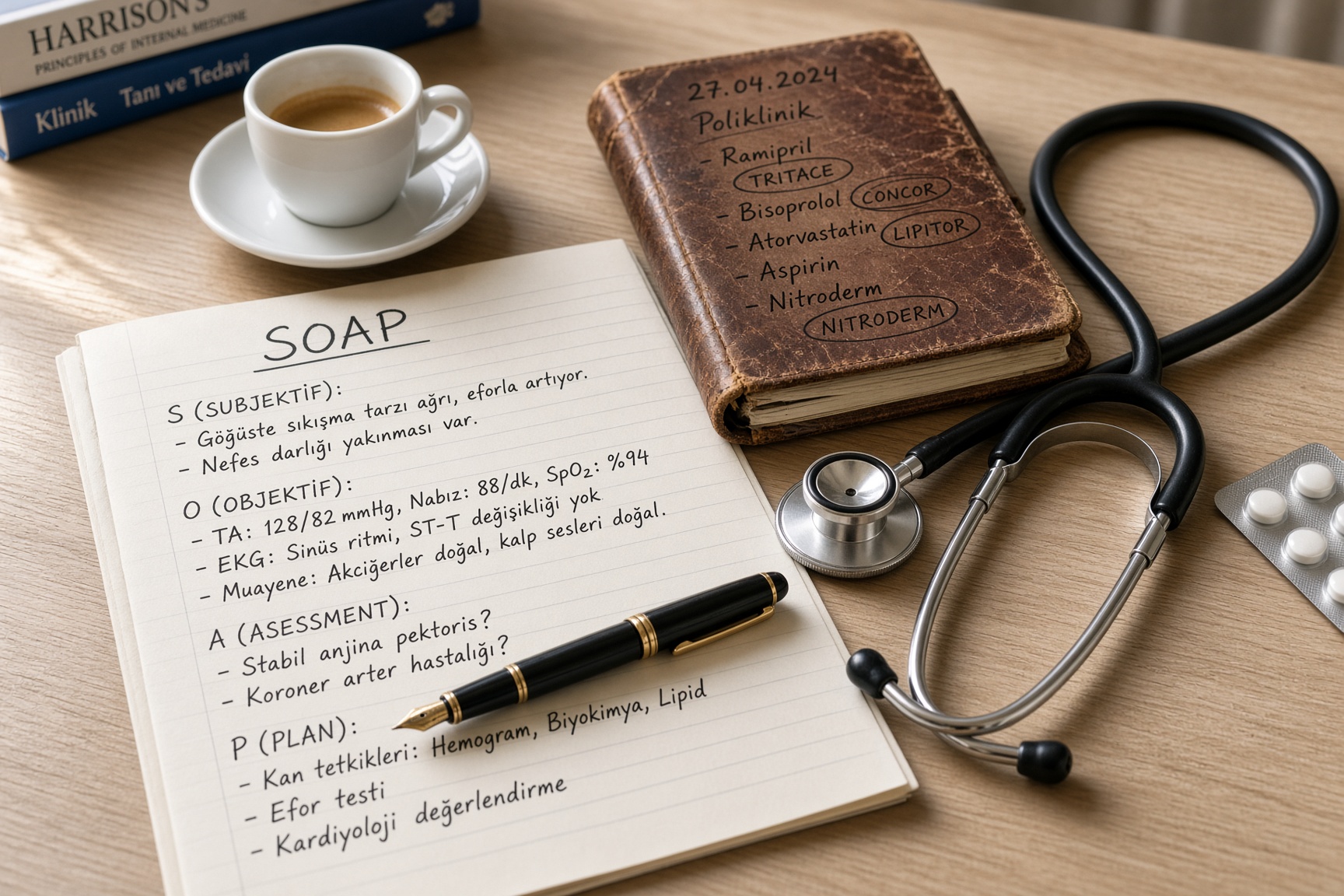
Visit notes · illustration
08 — Your decision
The assistant drafts; you decide. A second draft never replaces the first: you choose which one to approve.
Approved
“Approve.”
Approved and saved to the patient file. An approved note is not changed afterwards.
Nothing is final until you say so.
09 — Safeguards
The assistant drafts. The doctor decides.

Separate access
Each doctor sees only their own patients.
The doctor's approval
A note, and everything a patient sees, passes your approval first.
Nothing sent by itself
The system sends nothing out. A message stays on the patient's page, and you tell the patient it is there.
Your clinical judgment
Notya drafts and organizes what you record. It does not diagnose or recommend treatment; every clinical decision stays with the registered practitioner.
10 — Plans
Accounts are opened by invitation code for now. Prices are given by quote.
For your work
By invitation code only, for now. Tell us the specialty and how you work, and we will come back with a quote. In English.
Have an invitation code? Create an account